← All posts

computers

Windows 8.1 problem: Drag and Drop

Windows 8.1 problem: Drag and Drop

I do a lot of wordpress. All my websites are running wordpress, including this one. When I do a post, I like to attach a photo as well. Well, after I click on “Add Media”, I usually open a Windows Explorer window and drag and drop onto the Add Media window in the browser. This […]

Continue reading →

Technology Help 101: Backups

Technology Help 101: Backups

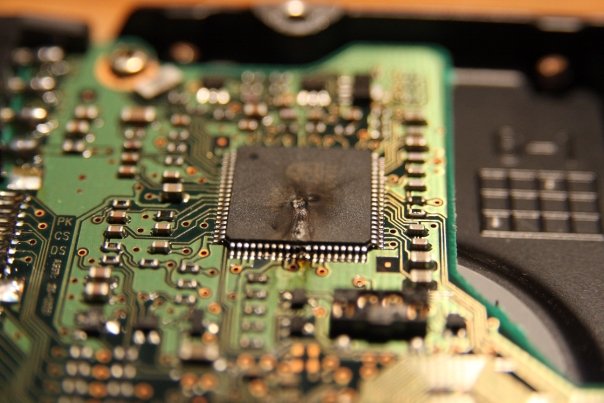
I’ve told this to many a person, and I’ll tell it to you as well. BACKUP, BACKUP, BACKUP. Hard drives will fail at some point or another. It’s not a matter of IF, but a matter of WHEN. I could tell you stories of hard drive failures. How about the one time that a friend said […]

Continue reading →

Backup Your Data

Backup Your Data

It’s not a matter of IF, but a matter of WHEN. Computer hard drives do fail, and when the fail, the data goes with it. The hard drive is a mechanical device that has a magnetic head flying just above the surface of the platter that stores the data. The heads fly much less than […]

Continue reading →

Tech Tip Level 1: Clean Temp Files

Tech Tip Level 1: Clean Temp Files

Temporary files are files that are generated from browsing the web, downloading files and update, or from various applications. Over time, these can accumulate as well as fragment the hard drive. It is a good idea to clean them out at least once per quarter, and even better at once per month. How do I […]

Continue reading →

Tech Tip Level 2: Speed up your computer

Tech Tip Level 2: Speed up your computer

Old computer running slow? Installing more RAM is a cheap and easy way to get more speed out of your older computer, while extending its useful life.  For specific information on the type of RAM your computer uses and the maximum quantity your computer can use, there is a great tool available at the Crucial […]

Continue reading →

Tech Tip Level1: Ugly Passwords

Tech Tip Level1: Ugly Passwords

Many people use the same password over and over again. Are you one of those people? What if a hacker got the password? Would you remember where that password was used? Well, there is a simple solution PC’s and Mac’s. I know Mac has a built-in password manager called Keychain, but I am going to […]

Continue reading →
Built with Oxygen